Quickly Turn Your Ideas Into Stunning Videos
Go from a rough idea to a polished clip in one place. Start from text, animate still images, or guide the result with reference media.
Multi-model
Starter credits included, so you can test the workflow before you commit
What People Build With mind2videoCampaign clips, concept reels, product shots, and more
A quick look at how teams and solo creators use the platform, from visual experiments to fast-turn marketing assets.

Campaign Mood Film
Validate a brand direction with fast atmosphere and camera tests
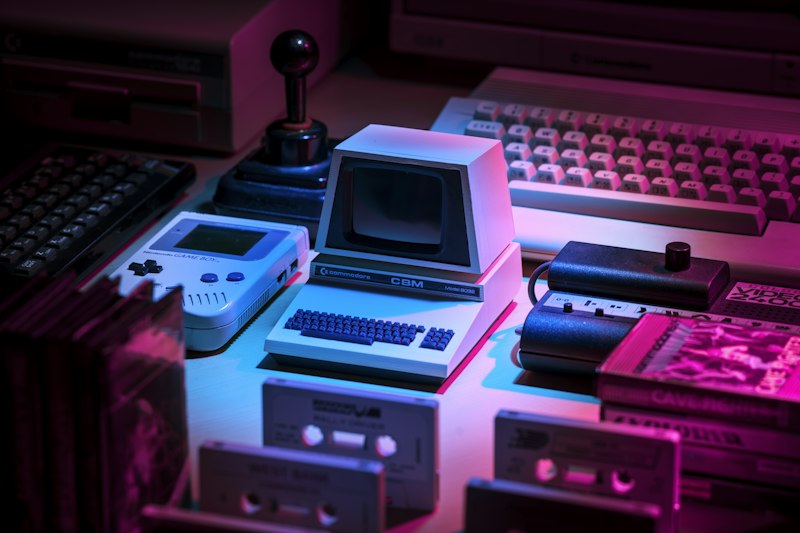
Poster to Motion
Extend a key visual into a short moving asset for paid or social

Reference-Based Scene
Use reference material to keep style, pacing, and framing closer to brief

Product Story Clip
Good for feature reveals, UI scenes, and launch pages
Character Performance Test
Explore motion and emotion before full production

Worldbuilding Teaser
Sketch the tone for sci-fi, fantasy, or game concepts

Social Cutdown Pack
Turn one visual direction into multiple short edits for Reels, ads, and launch beats
A Workflow, Not Just a GeneratorMove from idea, to direction, to export without switching tools
mind2video brings prompting, visual references, model choice, and export controls into one working surface.
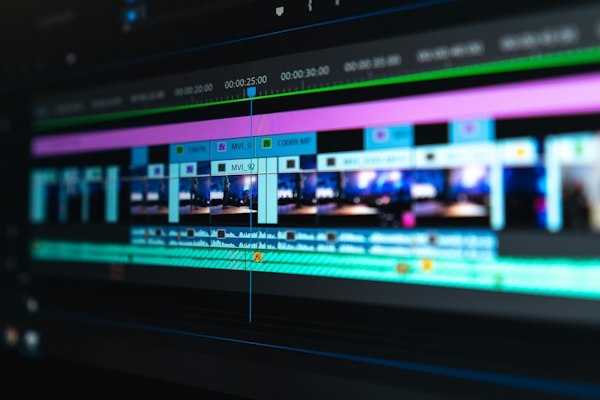
Text to Video
Turn a written scene, shot list, or concept note into a video draft you can iterate on quickly.

Image to Video
Animate still images into motion clips for social posts, product teasers, and moodboards.
Reference-Guided Video
Use reference frames or clips to keep composition, pacing, and style closer to your brief.
Fast Delivery
Most jobs return in minutes, so you can test multiple directions in a single session.
Private by Default
Uploads, prompts, and outputs stay tied to your account and are stored with encryption.
Live Task Tracking
Follow task status, monitor progress, and retry failed jobs without losing context.
From Brief to DownloadCreate, guide, render, and ship
Start with a prompt, add visual direction if needed, and let the platform handle generation and delivery.
Write the scene
Describe the subject, motion, framing, and mood so the model has a clear brief.
Add direction
Attach an image or reference clip when you want tighter control over style or camera language.
Render the job
We submit the task to the selected model, track progress, and keep the result in your workspace.
Review and export
Preview the finished clip, download it, or run another pass with adjustments.
Make the first version todayThen refine it with better prompts, references, and model choices
mind2video is built for quick experiments and repeatable production, whether you are testing concepts or shipping client work.
- Starter credits included
- No card needed for the first run
- Upgrade only when it makes sense
- Support when you get stuck
mind2video is an independent product that routes jobs to third-party model providers. It is not affiliated with or endorsed by Google, ByteDance, Kuaishou, xAI, or MiniMax.
Generation requests go through content safety checks. Illegal content, explicit sexual content, hate, extreme violence, child sexual content, and deceptive impersonation are blocked or removed.
Typical turnaround 2-5 minutes
Content safety and review
Before paying or generating, you can review our Acceptable Use Policy, Privacy Policy, and Terms of Service. If you need manual review, contact support.
Questions Before You Start
Key details about models, credits, usage rights, and support
Need a real person? Reach us atsupport@mind2video.com