Frames to Video
Choose your model, refine the prompt, and launch a new render.
Your preview will appear here
Start a generation on the left to see it here.
Starter Examples
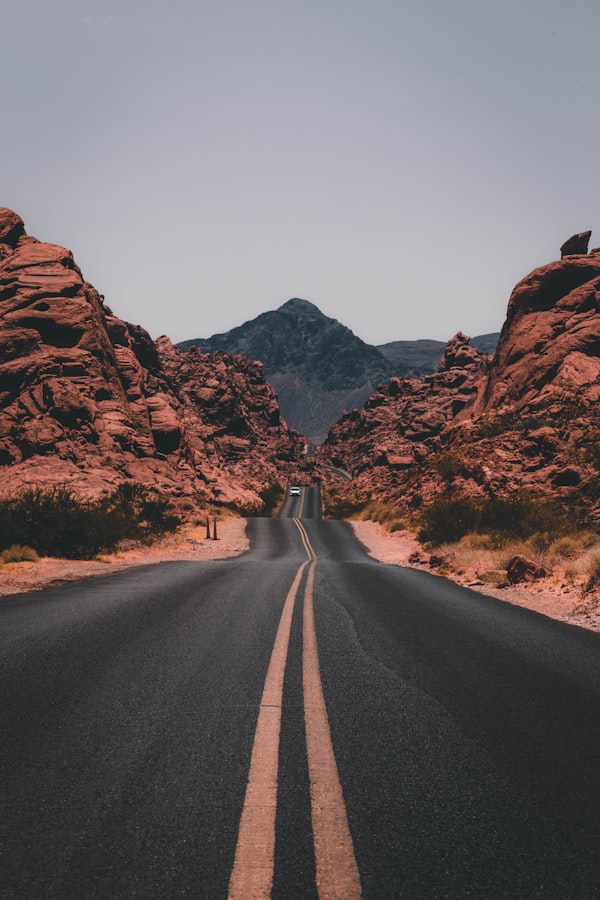
Travel Reveal
Start on a quiet village street at dawn and end above the rooftops with a wide sunrise reveal, cinematic drone interpolation

Product Transition
Begin with a macro view of the watch dial and end with the full watch floating in a premium studio, smooth controlled camera path
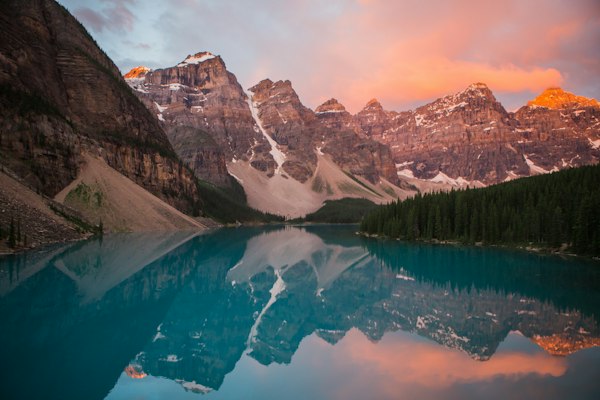
Character Beat
Open on the character standing still in the forest and end with a close emotional look toward camera, subtle body motion and wind
What You Can Do
- Upload a required start frame and an optional end frame
- Useful for before-and-after shots, travel reveals, and product transitions
- Keep prompt control over pacing, camera, and atmosphere
- Switch between supported models without rebuilding the setup
- Output portrait, landscape, or square variants where the model allows it
Available Models
mind2video is an independent product that sends generation requests to different underlying model providers. Model names on this page describe available workflows and do not imply official affiliation.
Prompts and generation requests are checked before submission. Illegal content, explicit sexual content, hate, extreme violence, child sexual content, and deceptive impersonation are rejected.